One idea. One platform.
54 replaces the work of assembling several tools to build and run a digital product. From the first conversation through to publishing and growing, it all happens in one system.
The whole stack, in one conversation
54 brings together the jobs you’d normally do in five separate products. Not because those products are bad — they’re very good at their own job — but because stitching them together is the part nobody signed up for.
- Lovable to build it with AI → 54 turns a description into a product that works.
- Claude Code to change the code → you ask 54 for the change in your own words.
- Supabase for data, users and files → information, accounts, storage and rules are already inside.
- Vercel to publish and keep it up → 54 saves versions, publishes, and keeps it online.
- Squarespace to run it day to day → editing, your web address, mail, activity and the business tools.
- Four more to actually grow → agents for strategy, content and growth, working on the live product.
To be plain about it: 54 didn’t reinvent every piece of infrastructure on earth. What it removes is the part where you have to choose, pay for, connect and look after five different companies just to get one thing online.
And not only websites
Websites, apps, client portals, internal systems, shops and catalogues, operating tools, dashboards, workflows, anything with logins.
You don’t pick a template and bend your business to fit it. You explain how your business actually works, and 54 builds around that.
From the first sentence to a running business
Six steps, all in the same place. You never change platform, export anything, or start again somewhere else.
- 1. Say it. Describe what you want in your own words. No specifications, no technical brief, no jargon required.
- 2. Build it. 54 makes the design, the screens and the things it needs to do. Look at it and ask for changes by talking.
- 3. Save it. Every improvement is kept as a version. Go back to an earlier one without losing the history of what you made.
- 4. Publish it. Put it online from the same screen. Use a 54 address or connect the web address you already own.
- 5. Run it. Content, people, files, information, mail, activity and settings — all here, with no other panel to log into.
- 6. Grow it. Agents for preparing content and suggestions after publishing. Check their setup and conditions in Studio.
And the words that built it are kept too: every request is saved with the version it made, so you can name it, run it again on the next site, or download them all.
Choose the AI that fits your project
Choose from the models available in Studio. Compare different approaches without moving your site or starting again.
- Change AI in the middle of a project, without starting over.
- One is better at writing, another at layout — use both.
- No separate model accounts or API keys. Your build allowance still applies.
Check Studio for the models currently available.
Your data, your control
54 handling the technical side shouldn’t mean being trapped by it. Look through the history, restore any version, and download the whole thing whenever you want — pages, photos, your customers’ details and every word you wrote. Simplicity shouldn’t cost you control over what you built.
- No form to fill in, no email to send, no waiting three days.
- It comes out in ordinary files any other tool can open — nothing locked in a format only we can read.
- Use a free 54 address, or connect your own domain with a plan.
- Not one company’s server: people running a 54 node keep verified copies of published sites, so a site can still be served from them if 54 is down. 54.wtf/decentralized-hosting
Download your site from your Studio.
The staff you never hired
Get help preparing content and growth suggestions. Daily growth-agent runs require an active CMO subscription. Agents created inside a site draft and advise; they do not publish or send messages for you.
- They prepare. Nothing goes out without your yes.
- Everything they do is written down, in plain words, in one list.
- Don’t like something? Undo it. Every change is a save point.
What each one is for:
- Gets you found. Review how your site appears to Google and get suggestions to improve it.
- Writes the words. One idea from you becomes drafts for a page, a post or an email — review them before you use them.
- Sorts your inbox. Connect your email, then organize messages by priority and type.
- Talks where you are. Connect supported chat channels when available in your account. Each channel needs setup; posting to X also requires a connected account and your approval.
- Explains the numbers. Ask about your site activity in plain words. Answers depend on the data available.
Images, music and video, in the same place
The pictures, the soundtrack and the clip for your launch don’t need three more subscriptions. Make them in 54, keep them in your library, and use them on your sites.
- Images — make, vary, edit a part.
- Music — a clip or a full song.
- Video — 8 seconds, wide or vertical.
- NFTs — sign in with your wallet and show your collection.
Share images and music from your library. Media generation is paid from your credit; the price is shown before you create.
Your inbox, and everything else you already use
The enquiries your site collects shouldn’t end up in a different app from the site itself. Send and read your mail right here, from your own address — and connect your payments, your domain and the chats you already use.
- Mail goes out from your address, not a noreply@ nobody answers.
- Mail arrives sorted: what needs an answer comes first.
- Payments, a custom domain and chat channels require their own setup. Availability and plan conditions appear in Studio.
Tools to build and manage your site
Build and manage these features from 54. What your site needs depends on your request; custom domains, email and connected services have their own setup and conditions.
- A place for your list. Customers, products, entries, whatever you’re keeping track of. Searchable, and it’s a real list — not a page you retype.
- Forms that reach you. Collect the information your visitors send and review it in 54.
- A back office. A plain screen for whoever runs the site day to day — which, let’s be honest, might not be you.
- Members-only pages. People get in with a code sent to their email. No passwords to remember, none for you to look after.
- Your own web address. Use a free 54 address or connect your domain with a plan. HTTPS is included.
- An undo button. Every change is saved. Didn’t like it? Put the site back the way it was, in one click.
- Help being found. 54 checks how your site looks to Google after every change, and tells you what to fix in plain words.
- It keeps working after launch. Keep asking for changes after publishing. Scheduled agents need to be configured and activated separately.
- It learns your business. Give it your words, your prices, your way of saying things. It builds from those instead of guessing.
Turn a real-world asset into an investable one
Real estate, credit, energy, a fleet: a real asset becomes tokens that verified investors anywhere can buy. White label platform, ERC-3643 security tokens, KYC/AML and a secondary market — under your own brand and domain.
- 1. Legal structuring. The legal frame for your asset is defined and your white label environment is set up with your design and your domains.
- 2. The asset goes in. You load the data of your real asset in the dashboard and the offer is prepared.
- 3. Token issuance. The ERC-3643 smart contracts are deployed for you, with compliance written into the contract.
- 4. Launch. Your platform is live and verified investors can come in from anywhere.
See how tokenization works: 54.wtf/tokenize
Who 54 works with
Models
Build with the models available in Studio.
- Claude
- GPT
- Gemini
- Grok
- Kimi
- DeepSeek
Payments and services
Connect them when you need them. Setup and availability depend on each service.
- Stripe
- Resend
- Telegram
- Slack
- Teams
- X
Networks
Where tokenized assets are issued.
- Ethereum
- Polygon
- Kadena
- Camp Network
- ZkCandy
Brands in the program
Working with 54 on tokenization.
- Olimpia
- Belgrano
- Argentinos Juniors
- Gimnasia
- PSG
- Sporting Cristal
Published on 54
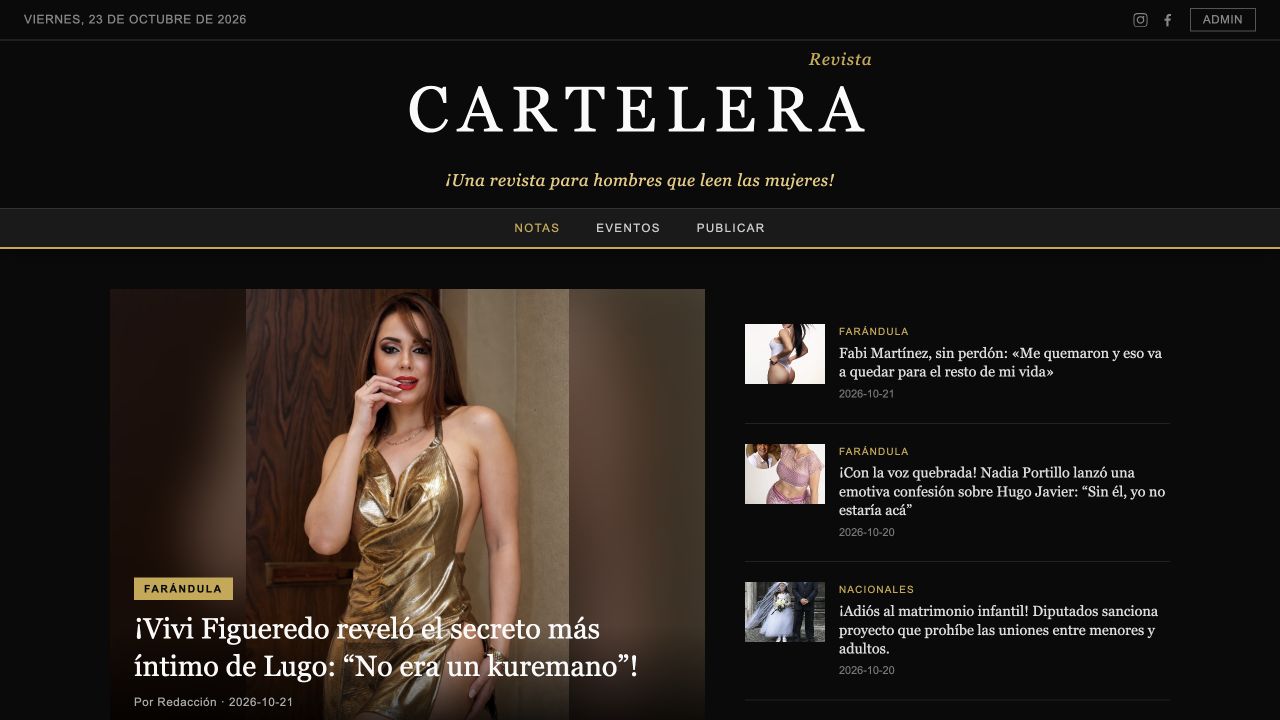 EditorialRevista Cartelera
A digital magazine with articles, events and editorial submissions.
Open live site — revistacartelera.com (Opens in a new tab)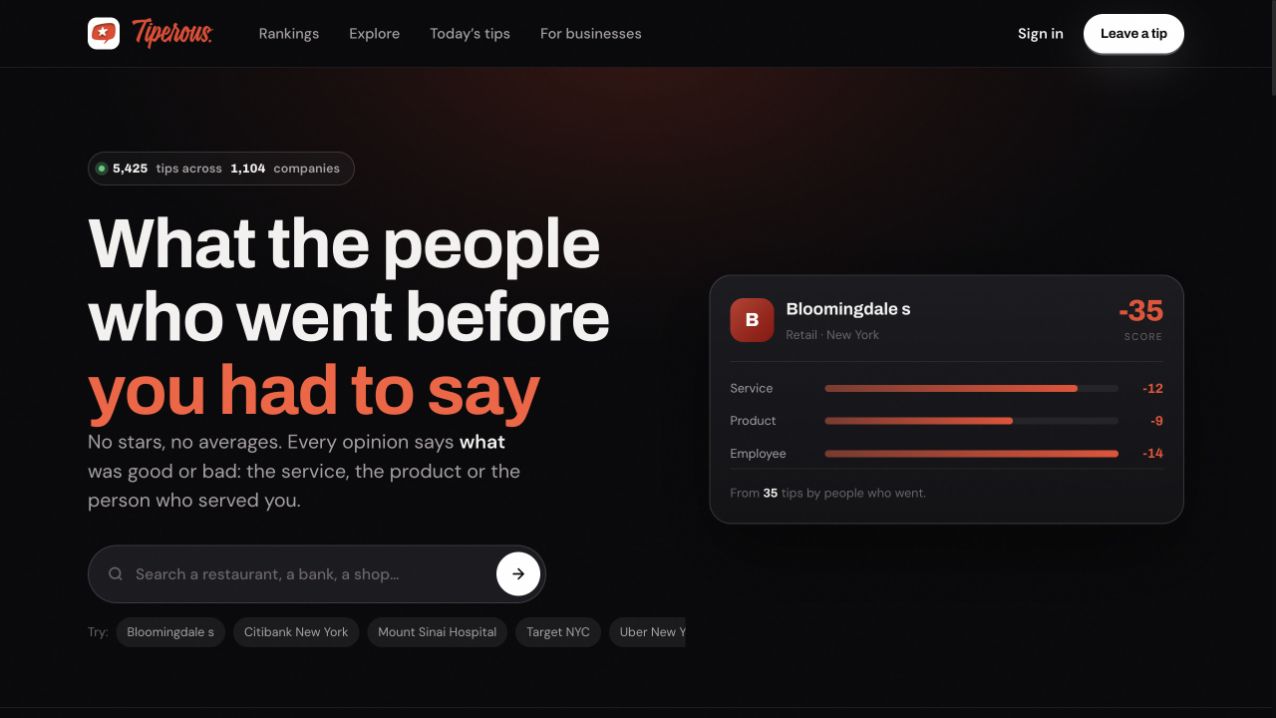 CommunityTiperous
A directory for discovering businesses and reading community opinions.
Open live site — tipero.us (Opens in a new tab)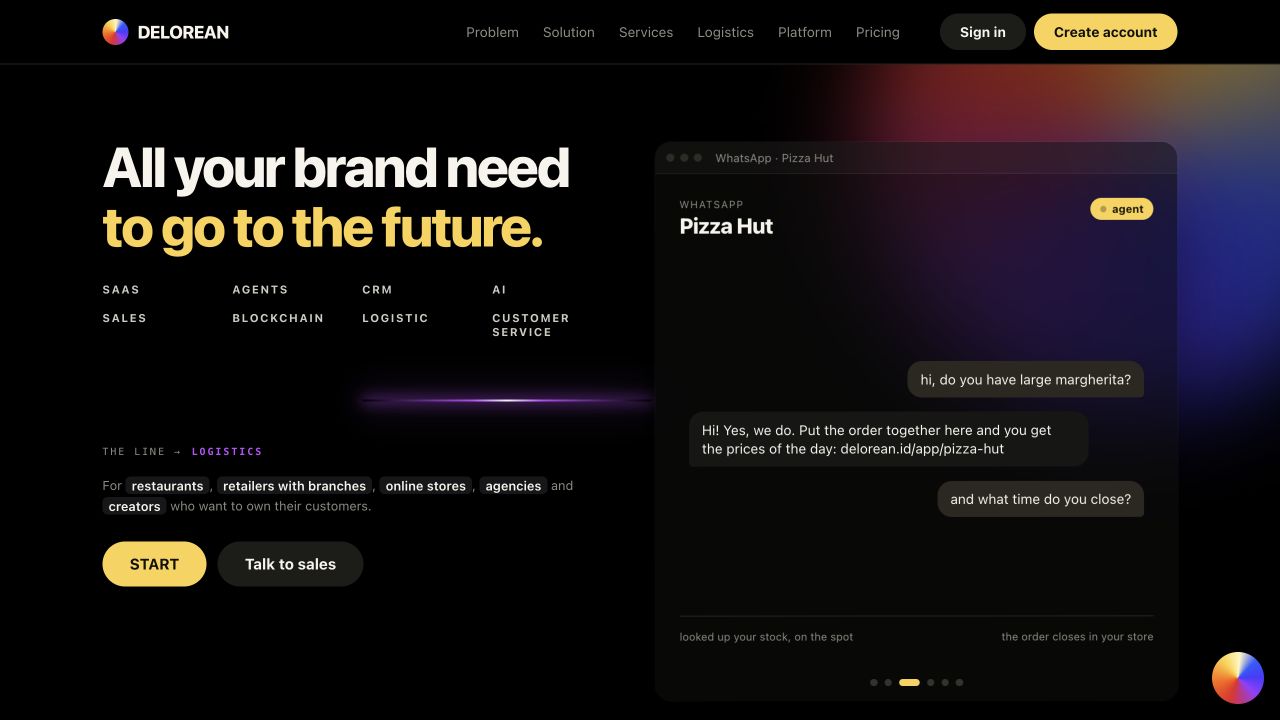 BusinessDelorean
A business platform presenting sales, logistics and team tools.
Open live site — delorean.id (Opens in a new tab)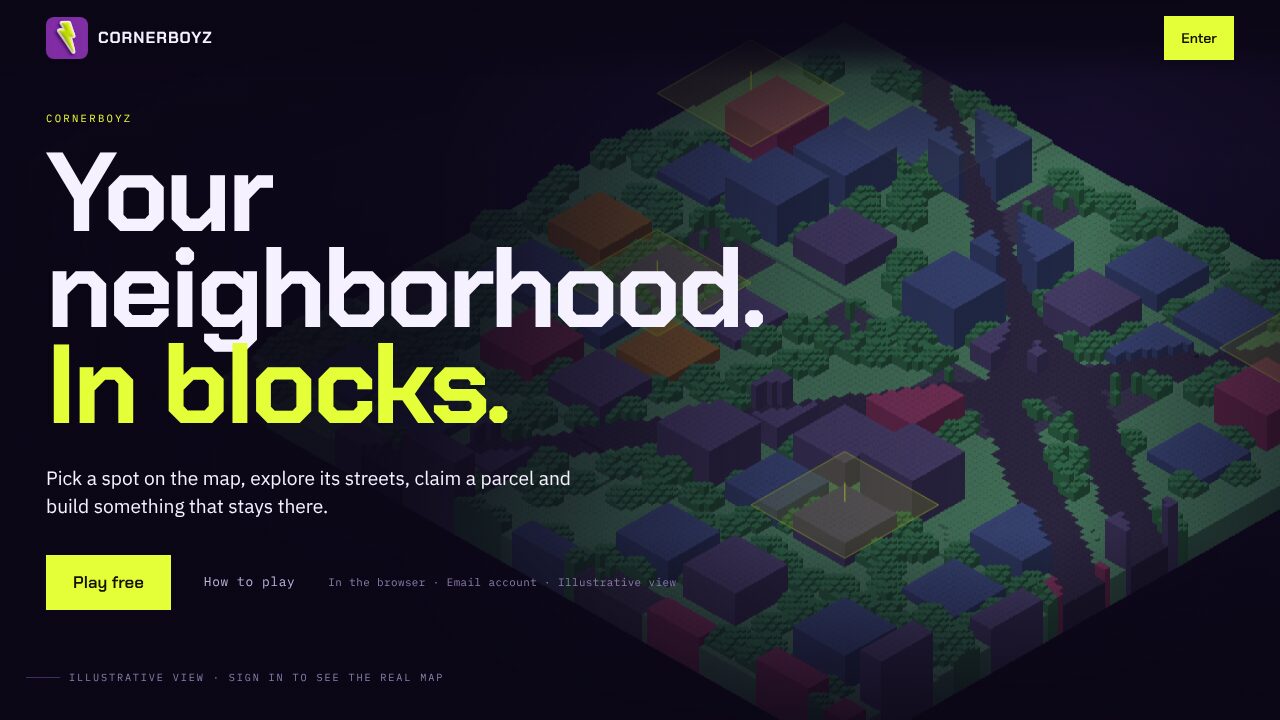 GameCornerBoyz
A browser game where you claim a parcel of your own neighbourhood and build on it.
Open live site — cornerboyz.club (Opens in a new tab)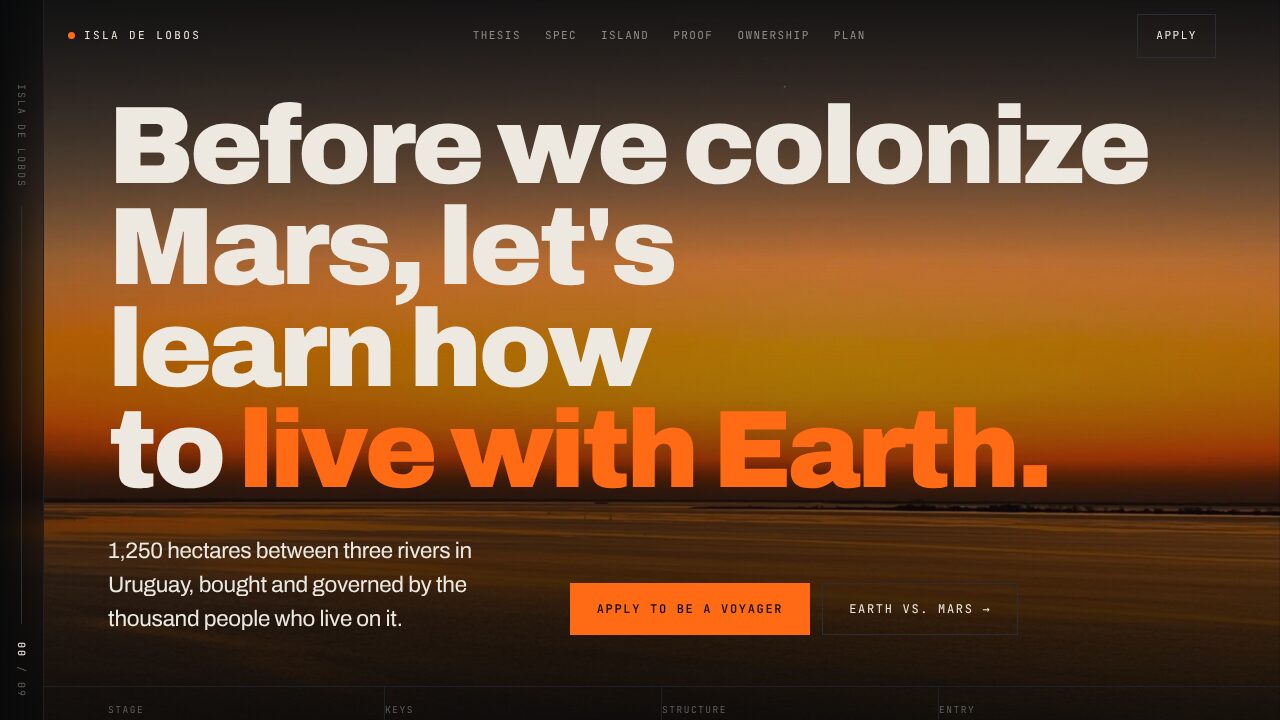 Real-world assetsIsla de Lobos
1,250 hectares in Uruguay, bought and governed by the thousand people who live on it.
Open live site — isladelobos.xyz (Opens in a new tab)
Screenshots and links checked November 2026. Live pages may change.